> ## Documentation Index
> Fetch the complete documentation index at: https://docs.opensource-together.com/llms.txt
> Use this file to discover all available pages before exploring further.
# Pipeline
The OST AI Engine pipeline orchestrates the scraping, ranking, normalization, and insertion of trending open-source projects into the database. Dagster manages the workflow, ensuring each step is executed reliably and data quality is maintained.
## Job Scheduling & Definition
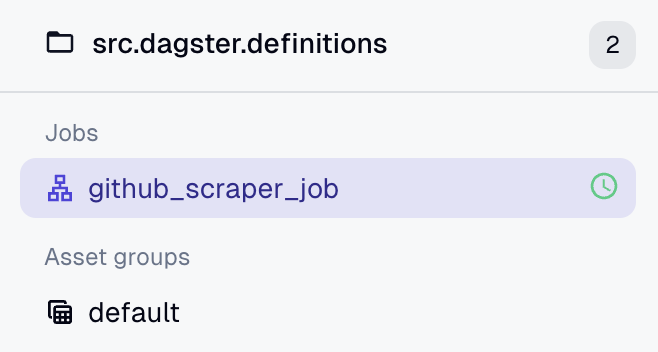
Below are visual diagrams showing how the GitHub scraping job is scheduled and defined in Dagster:
Job Schedule: The pipeline is scheduled to run automatically every 6 hours, keeping the database up to date with the latest trending projects and respecting the rate-limiting of the GitHub API.
Job Definition: The job includes four main assets: scraping, ranking, mapping, and database insertion, with data quality checks at each stage.
Assets Overview: Each asset represents a distinct step in the pipeline, from data collection to database insertion, ensuring modularity and maintainability.
## Asset Checks
Dagster asset checks validate the quality and consistency of data at each pipeline step. Here are the main checks used in the OST AI Engine pipeline:
| Check Name | Purpose |
| ----------------------------------------- | ----------------------------------------------------------------------------------- |
| github\_top\_projects\_description\_check | Ensures all projects have a non-empty description |
| github\_mapping\_type\_check | Checks that the mapping output is a non-empty list |
| github\_mapping\_required\_fields\_check | Validates required fields and types (title, repoUrl, provider, published, trending) |
| github\_mapping\_duplicate\_url\_check | Detects duplicate repoUrl or githubUrl values |
| github\_to\_db\_insert\_count\_check | Confirms the number of DB inserts matches the number of mapped projects |
| github\_to\_db\_error\_check | Checks for insertion errors in the logs |
| github\_to\_db\_consistency\_check | Verifies that inserted projects exist in the database |
| github\_to\_db\_uniqueness\_check | Ensures repoUrl values are unique in the database |
| github\_to\_db\_mapping\_match\_check | Checks that DB fields match the mapping (e.g., title/repoUrl) |
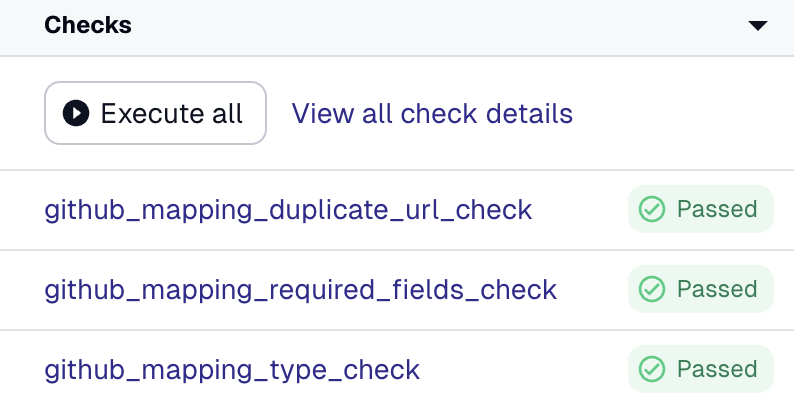
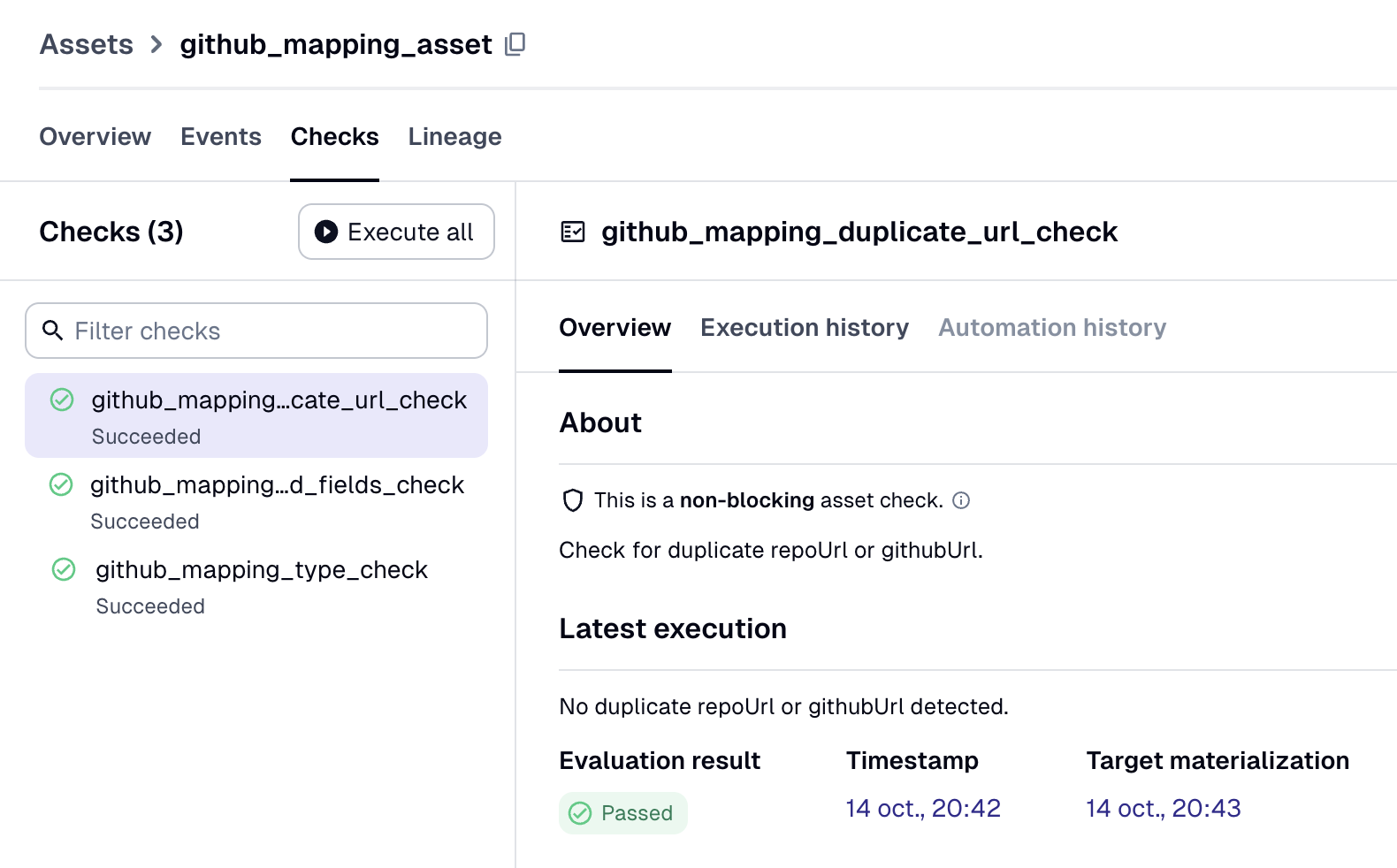
Below are visual examples of asset checks in the Dagster UI:
Checks Overview: The Dagster UI displays the status of each asset check, making it easy to monitor data quality in real time.
Checks Details: Detailed results show which projects passed or failed each check, with error messages for troubleshooting and data validation. All errors and warnings are surfaced in the Dagster UI for rapid debugging.